

Available in Spanish, English and Portuguese
⌁
Available in Spanish, English and Portuguese
⌁
Use whichever one you need
-
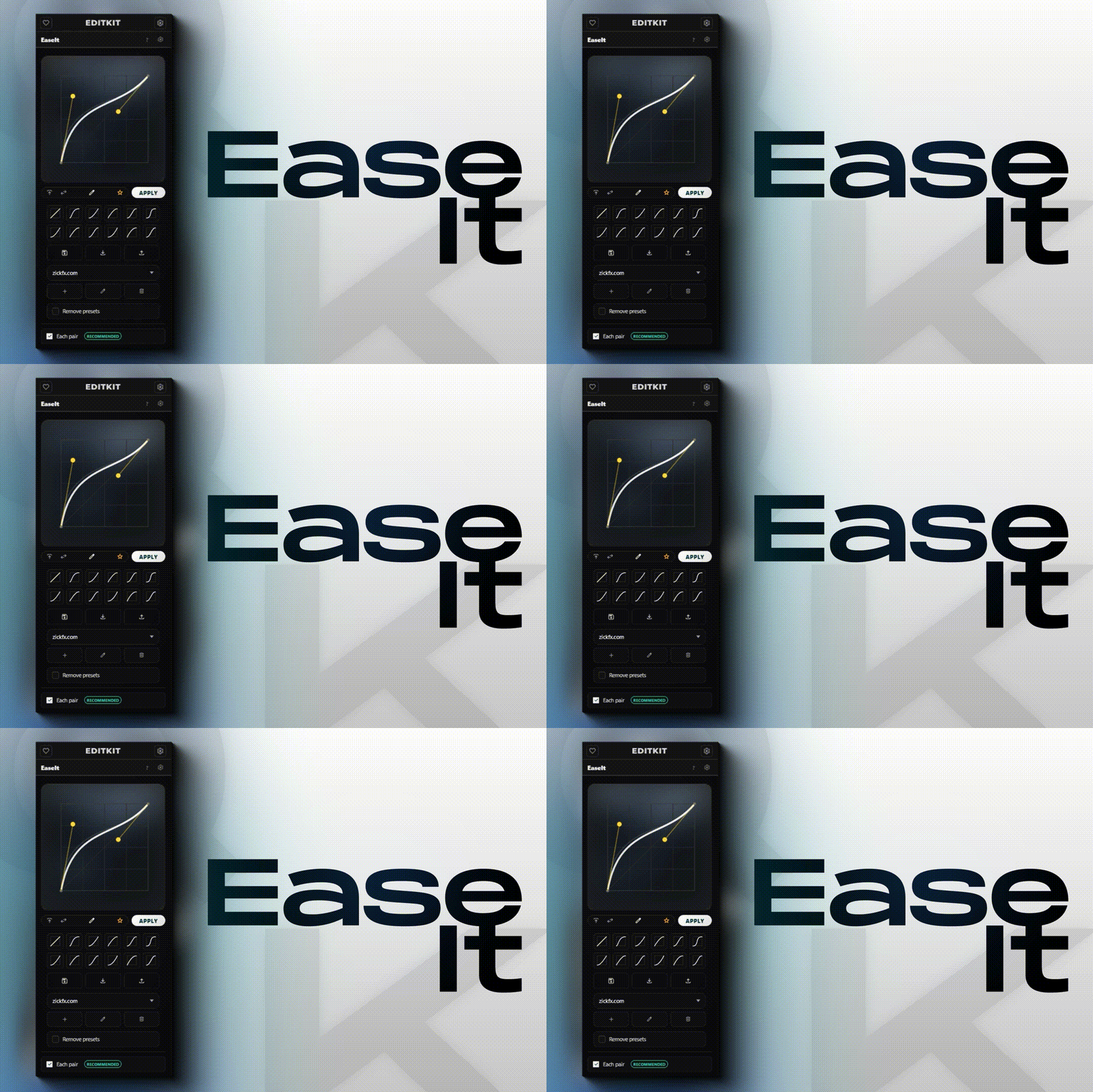
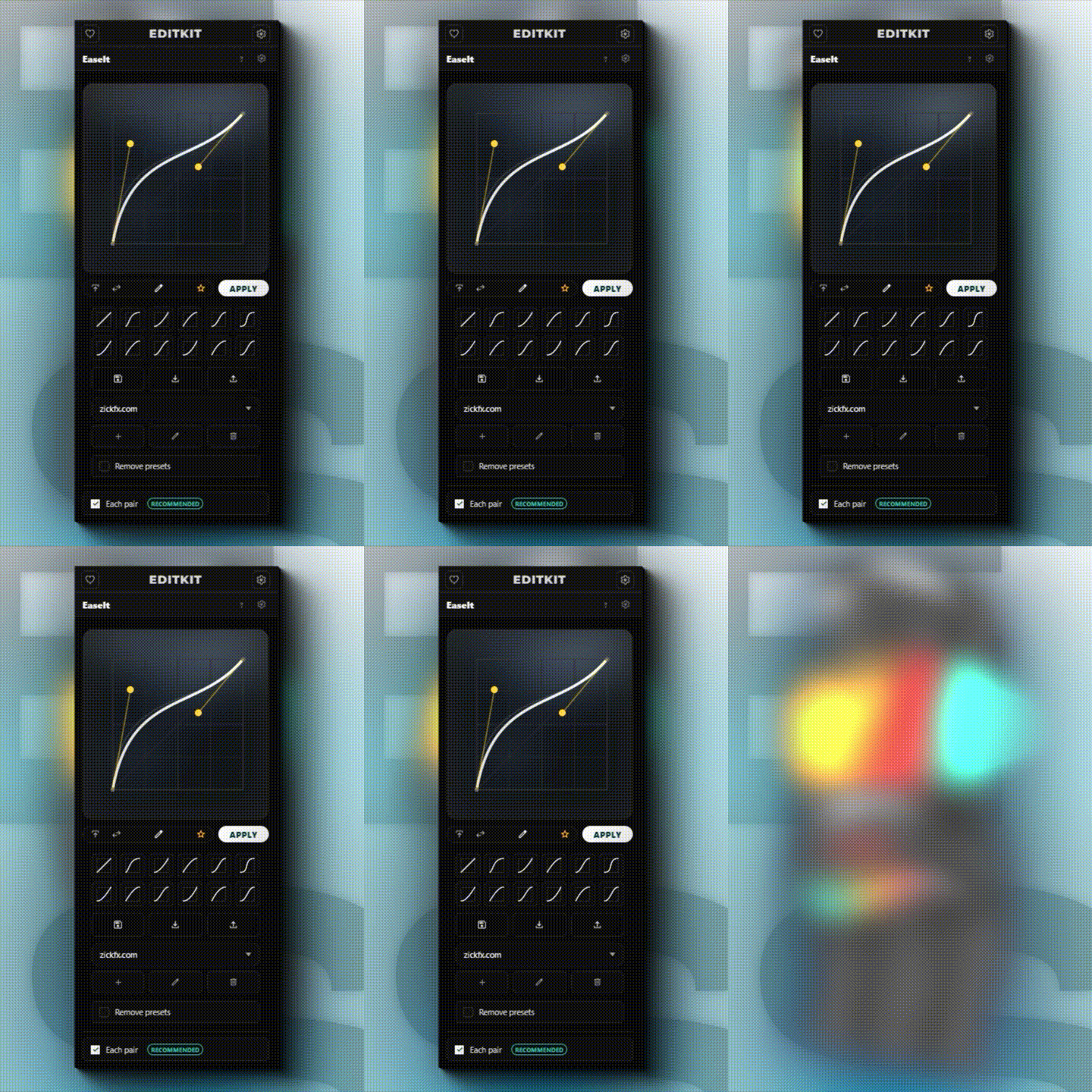
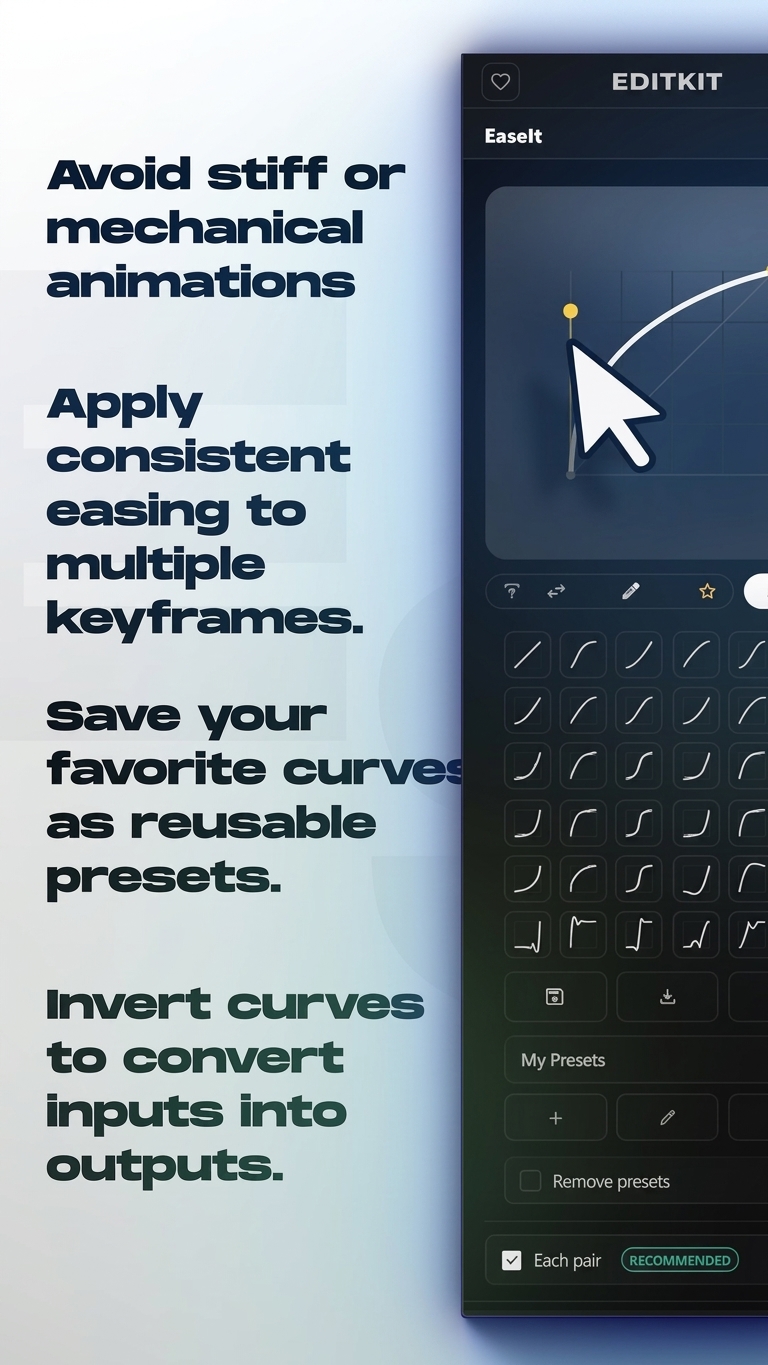
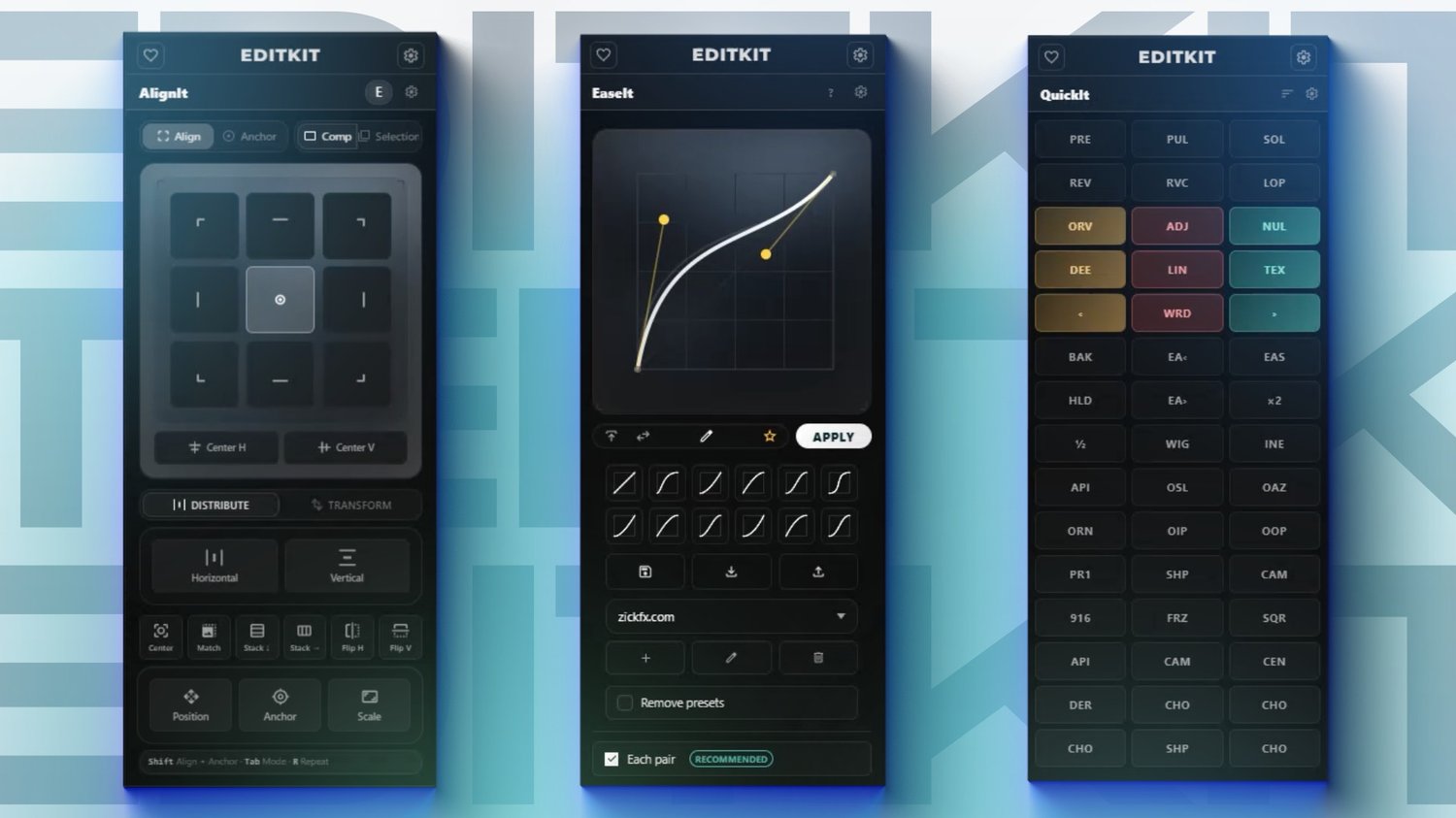
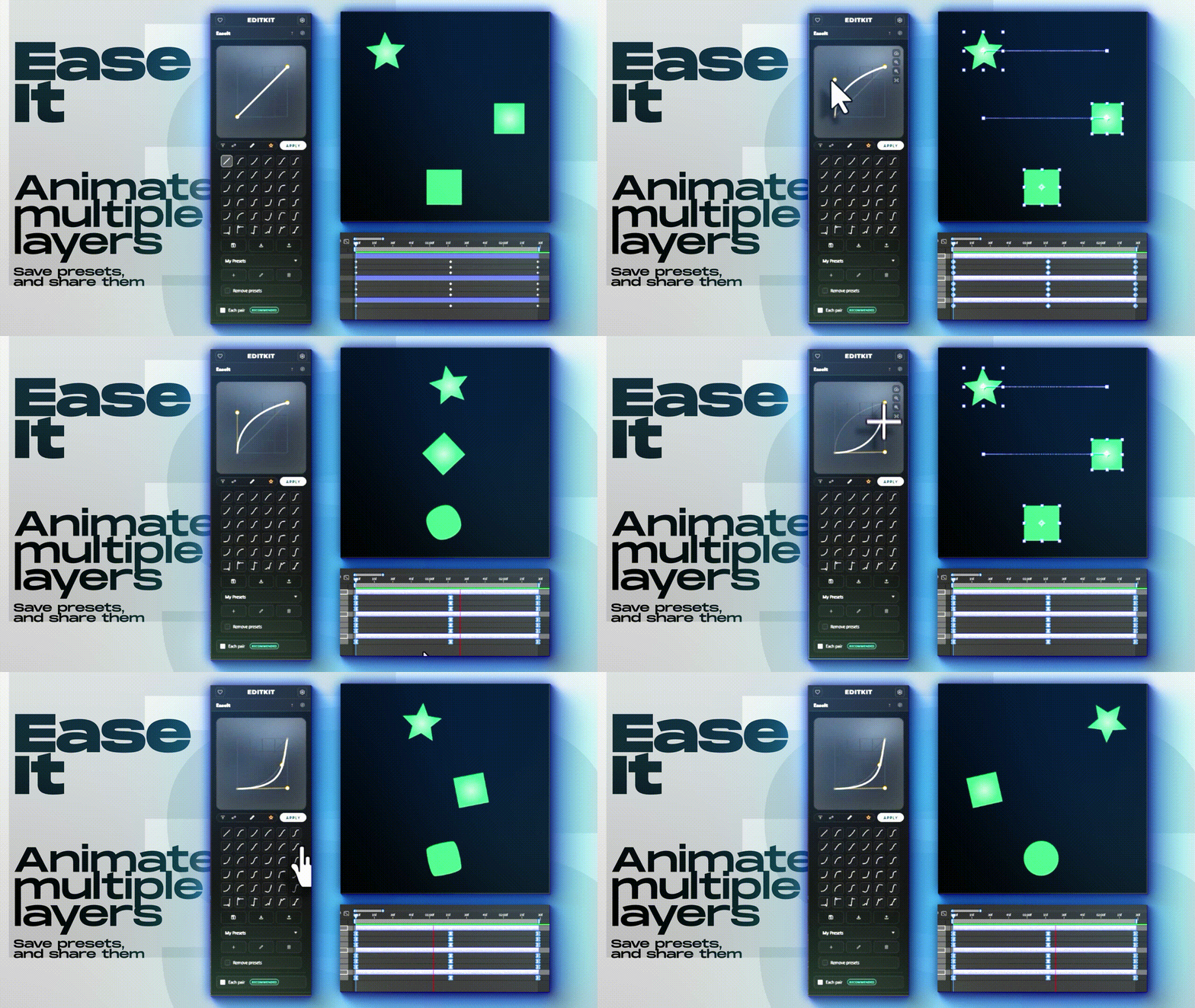
Create, customize, and save easing curves. Use formulas, reusable presets, and True Handles to build smoother animations.
-
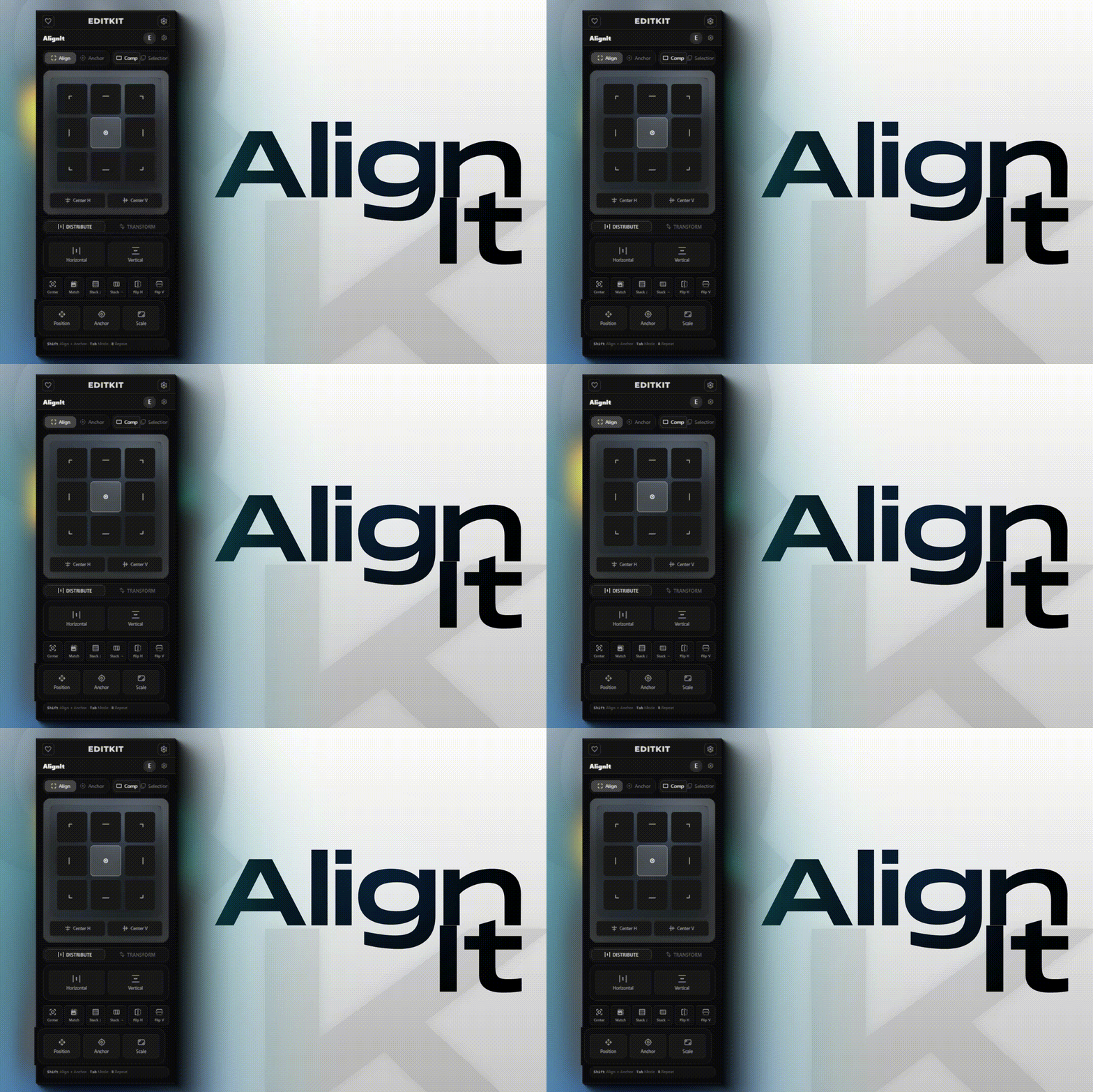
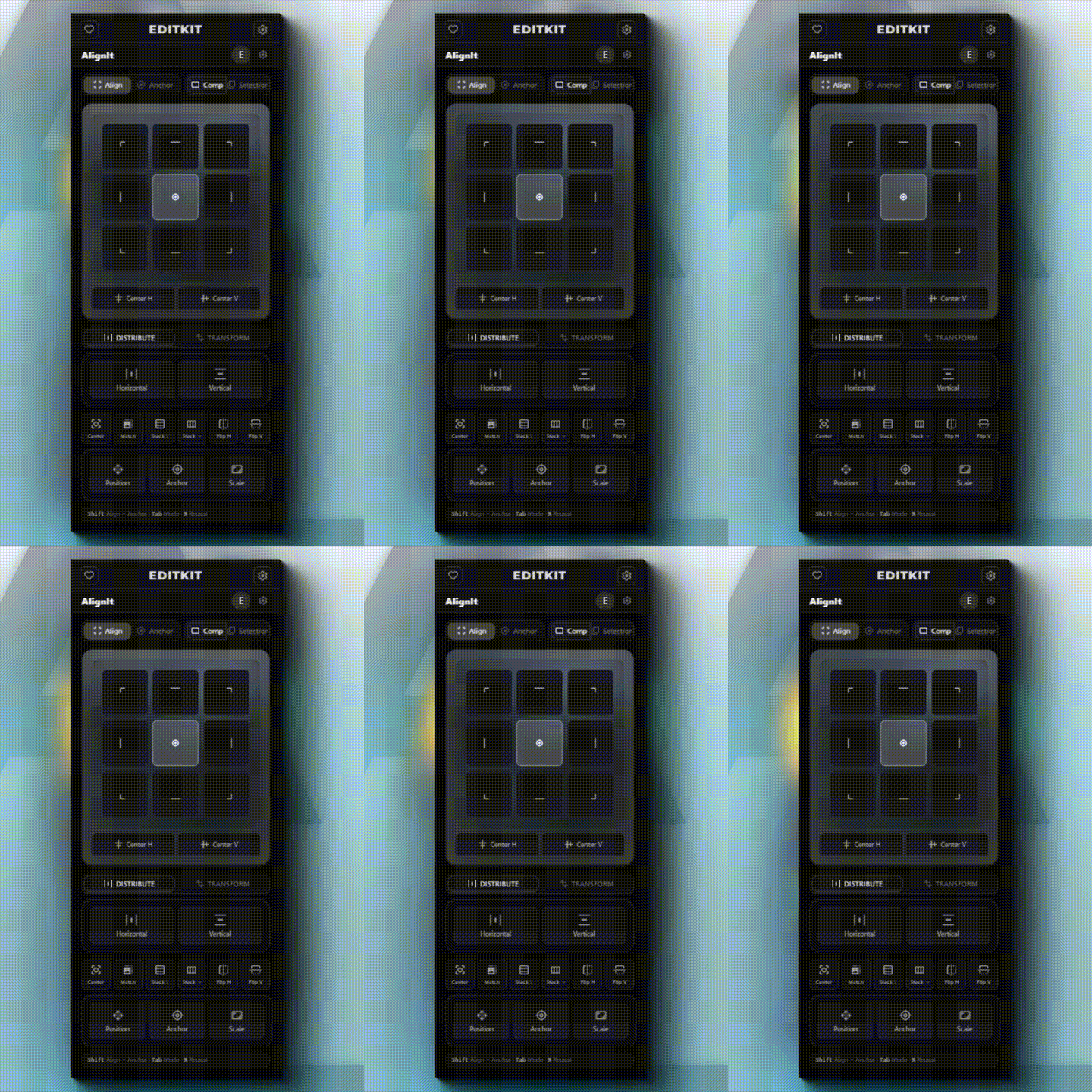
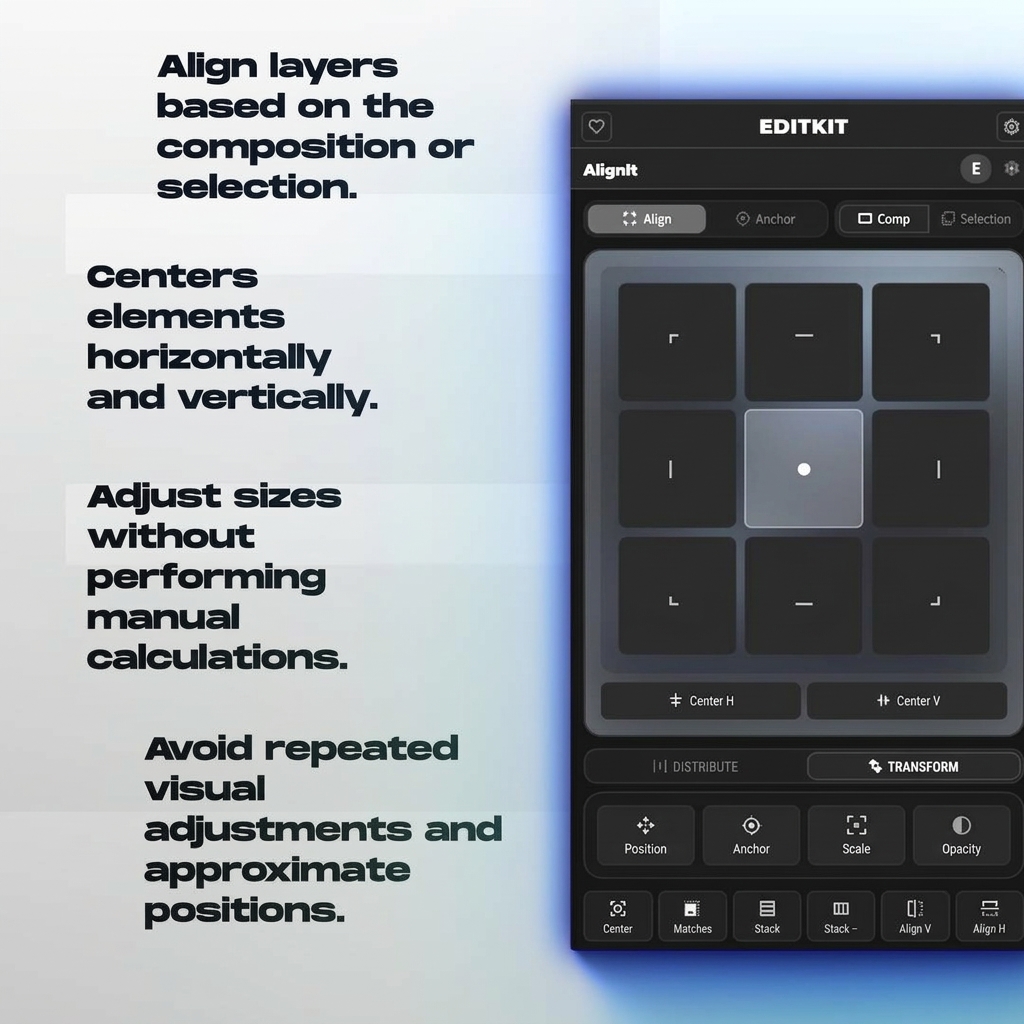
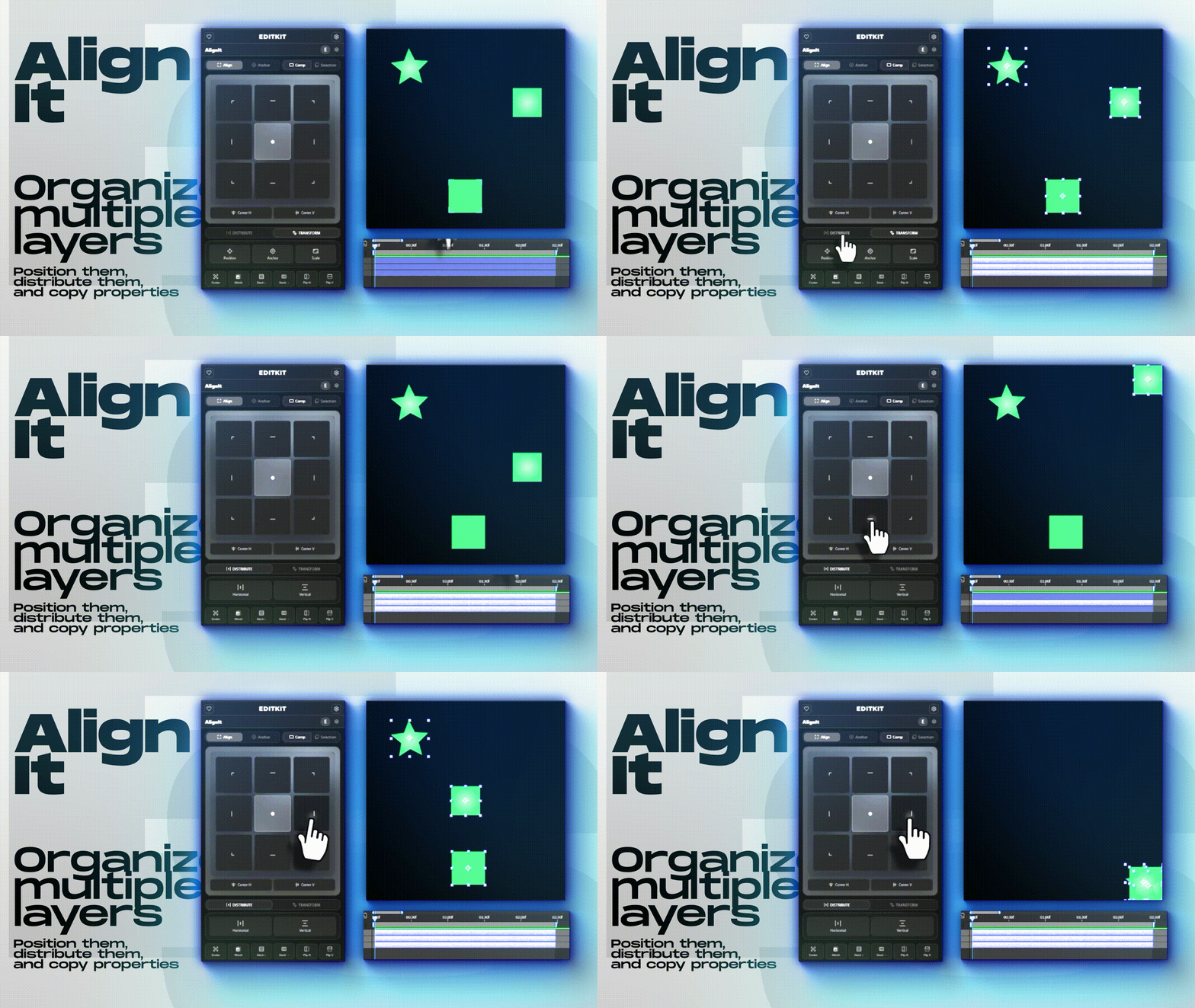
Align, anchor, transform, and distribute layers relative to the composition or your current selection.
-
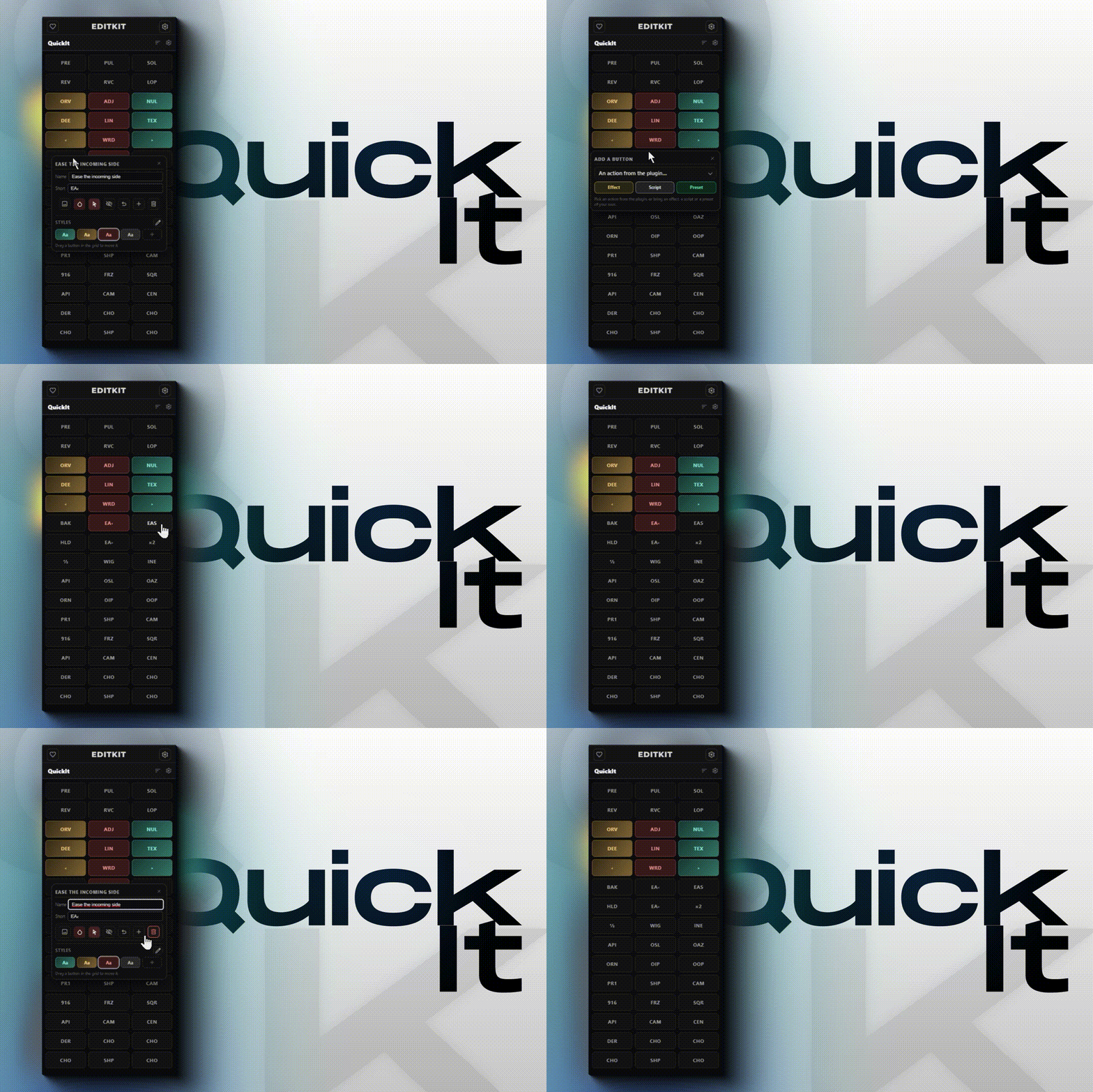
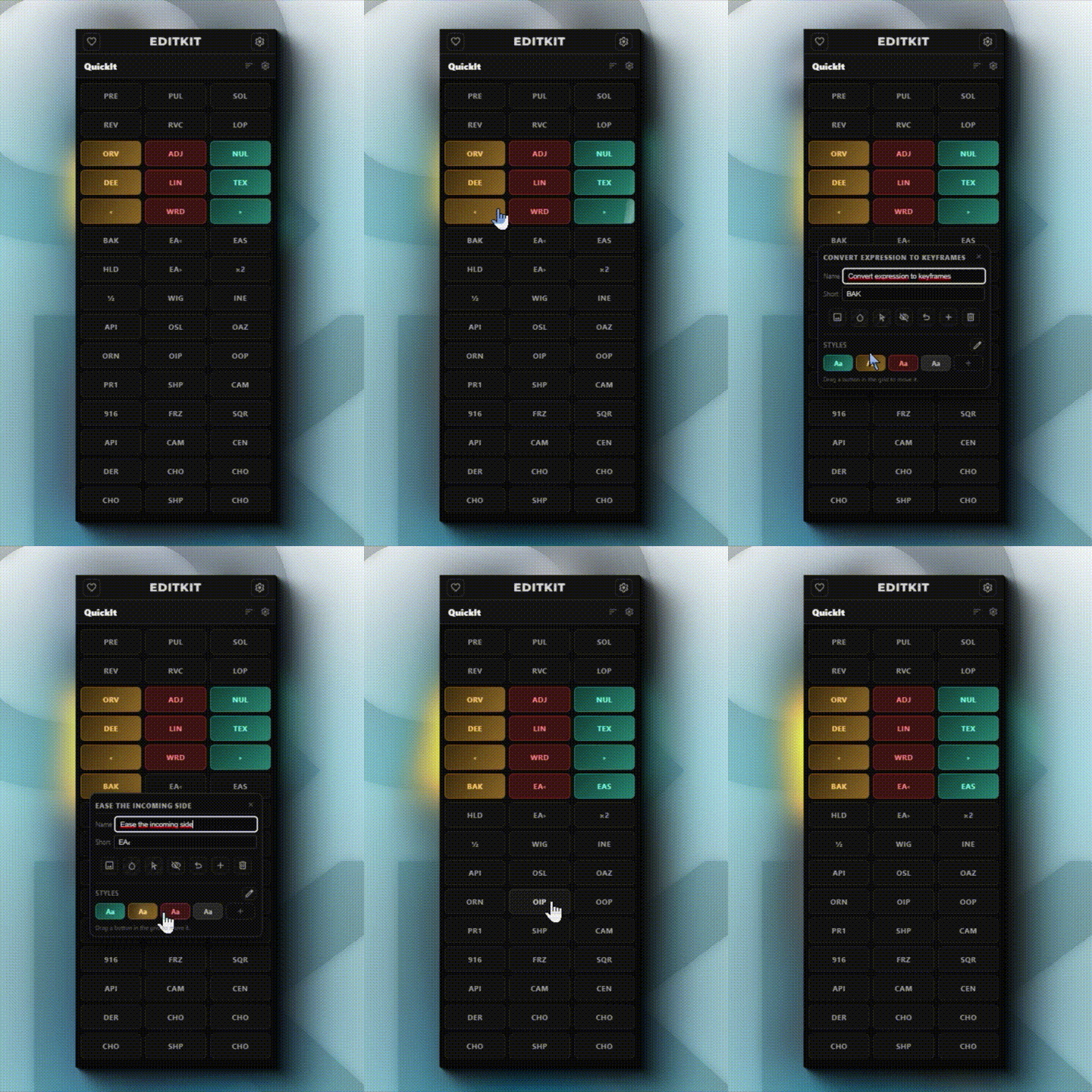
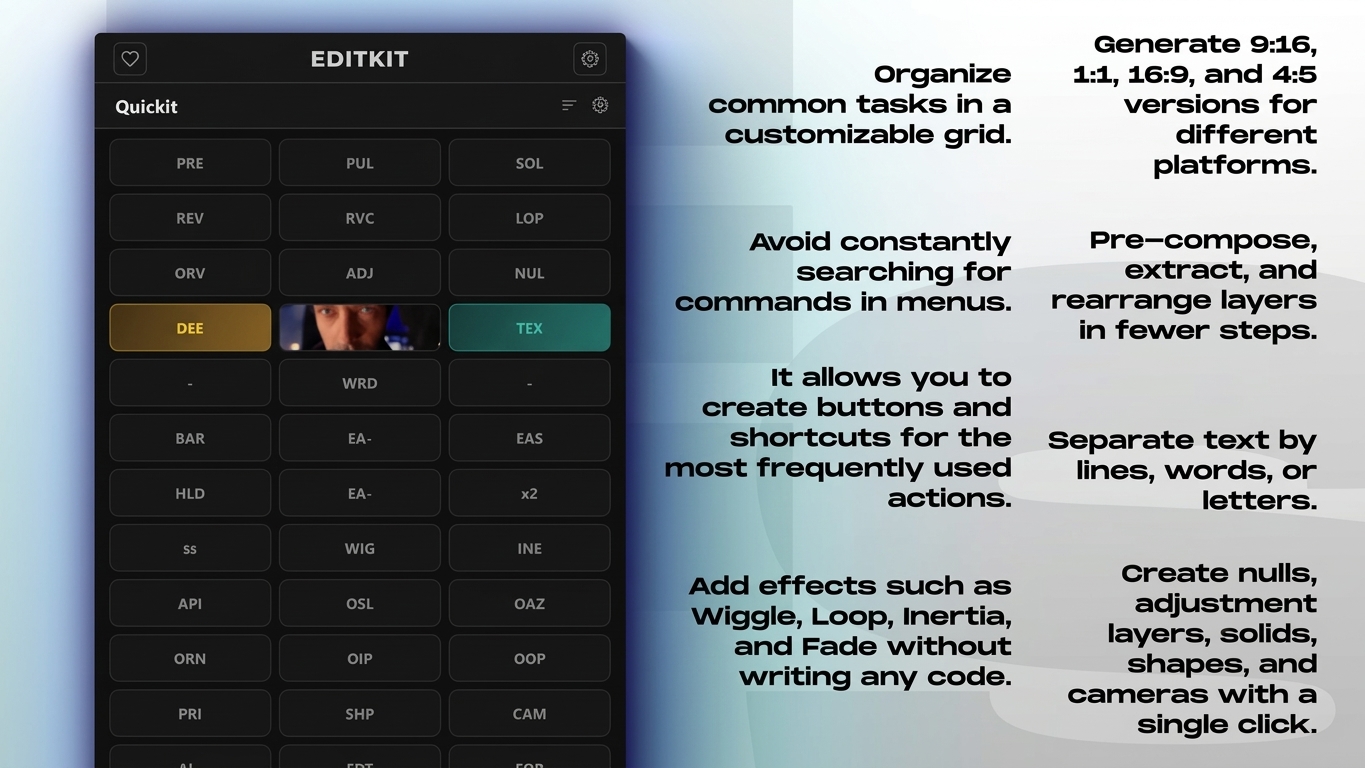
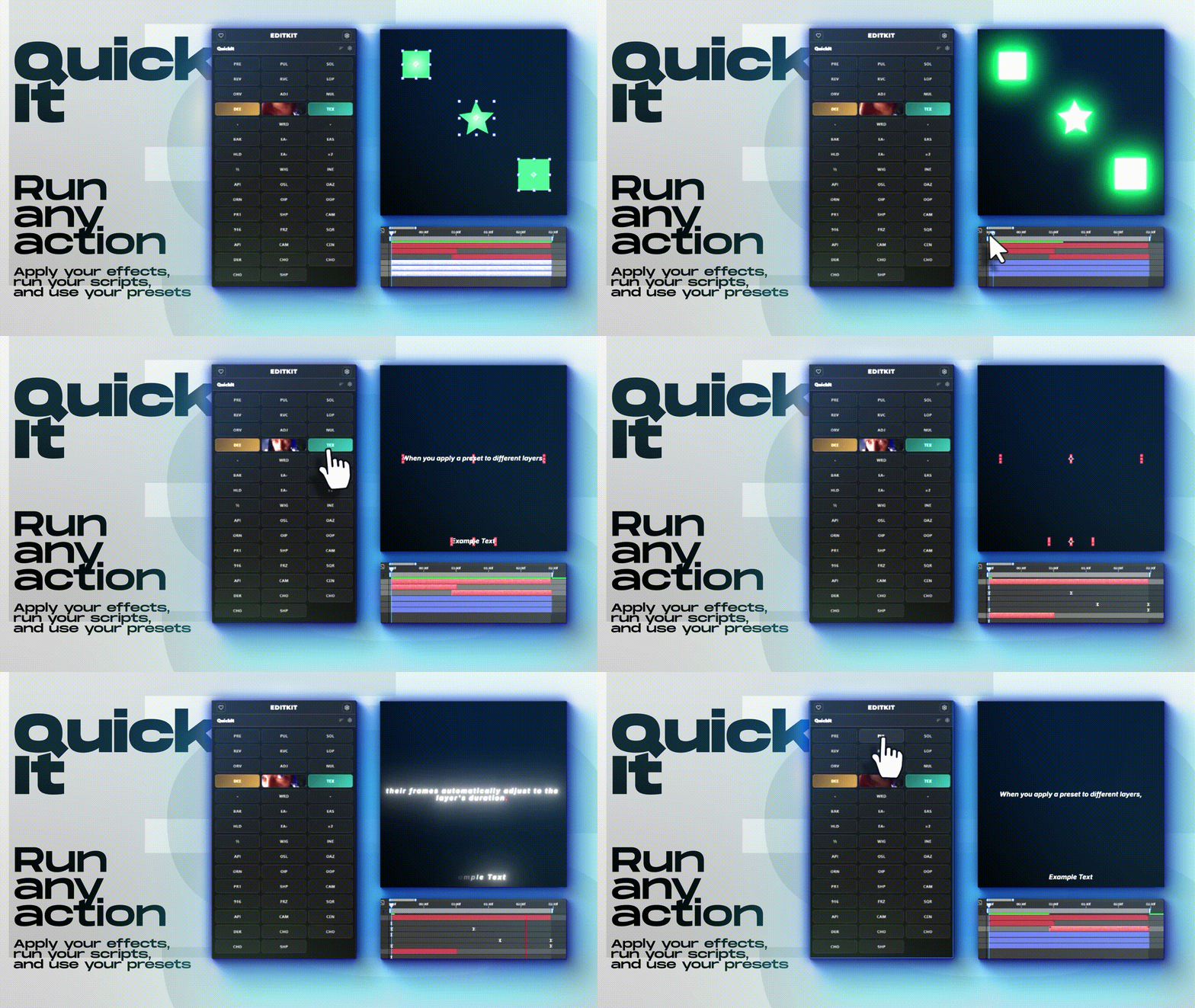
Build a personalized grid of one-click actions for timing, expressions, text, layers, and delivery. Quickly find actions using mouse-wheel scrolling and full-name tooltips.


EDITKIT
On Sale
$0.00
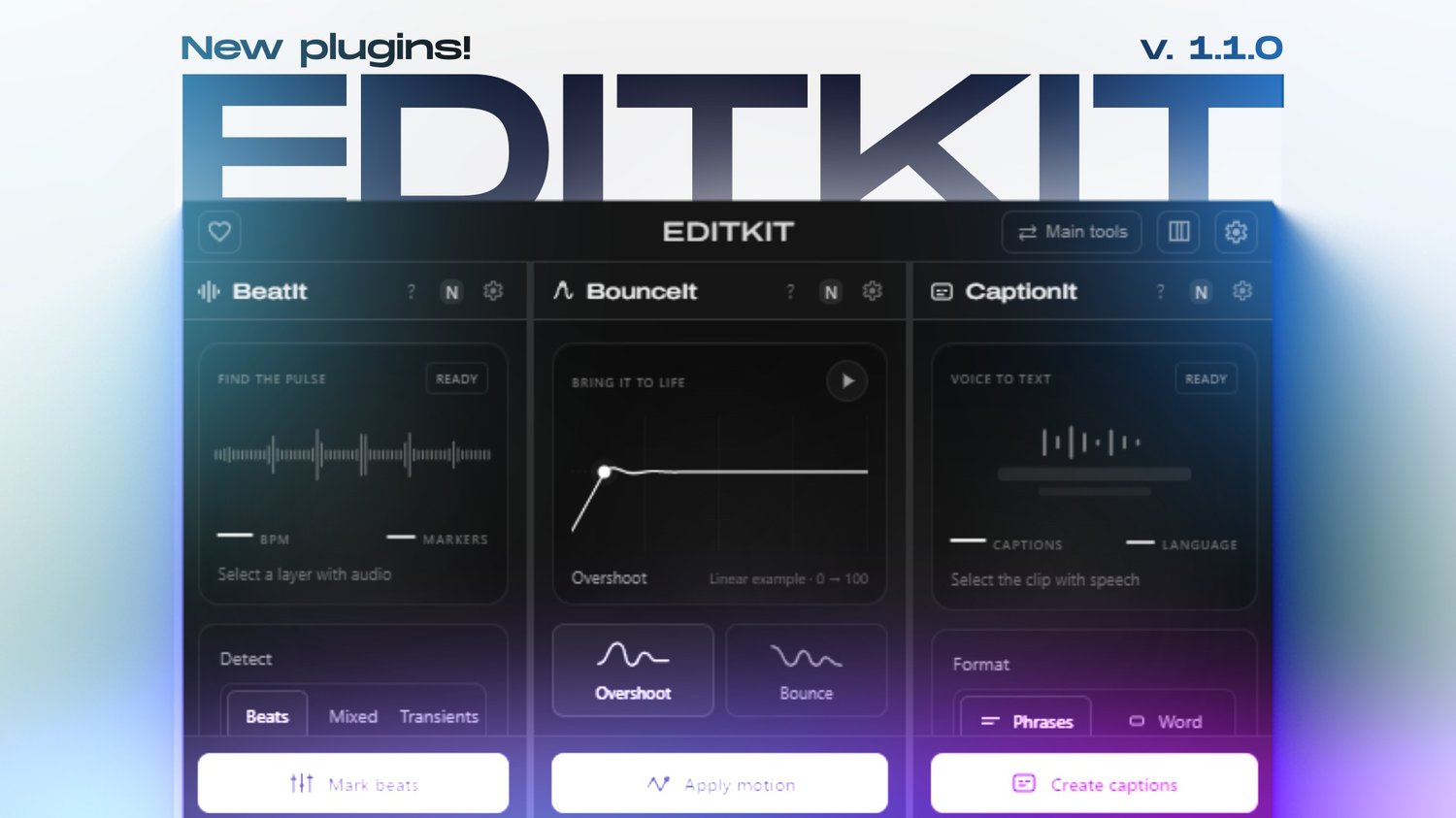
New BeatIt, BounceIt, and CaptionIt are now available in version 1.1.0!
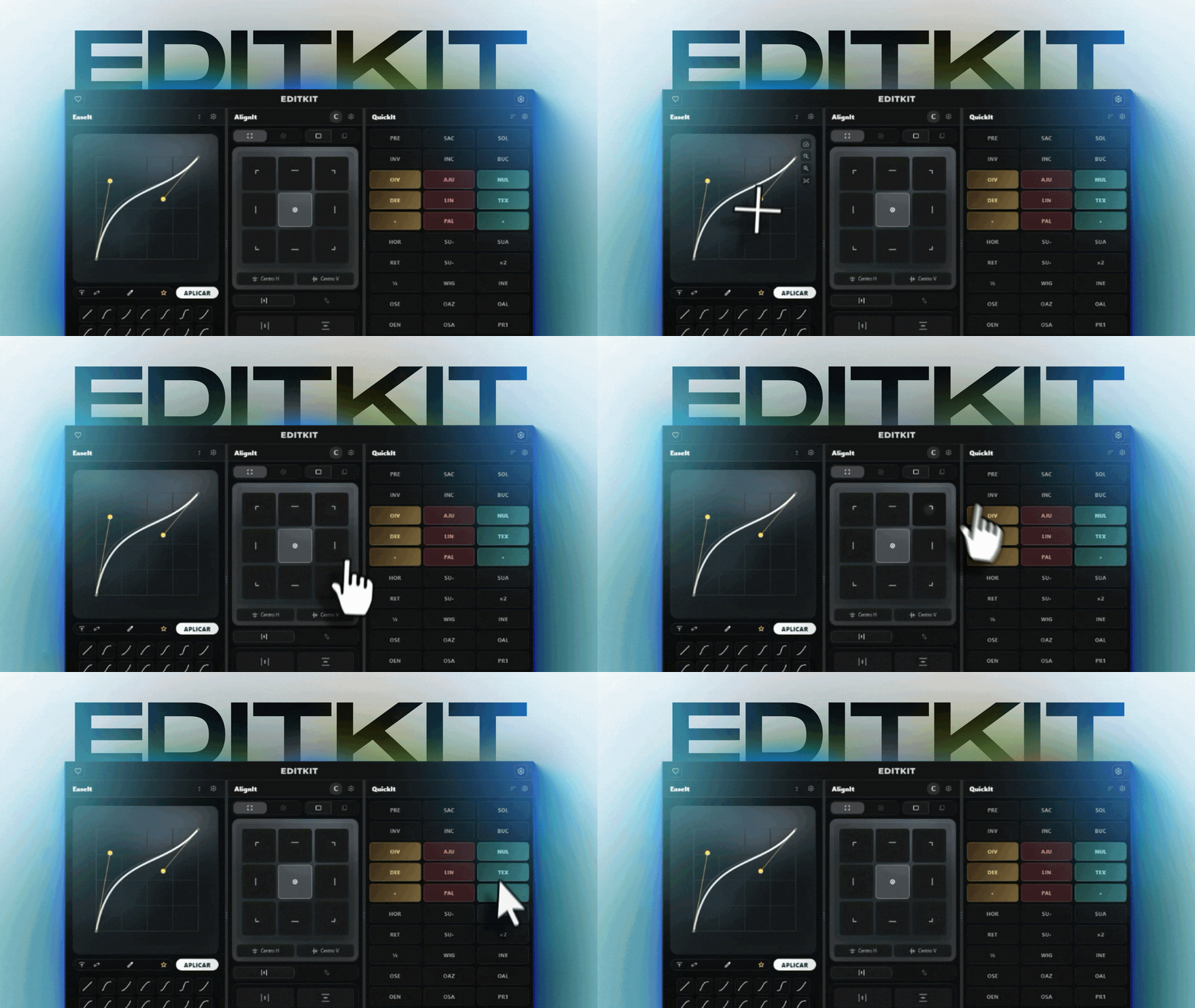
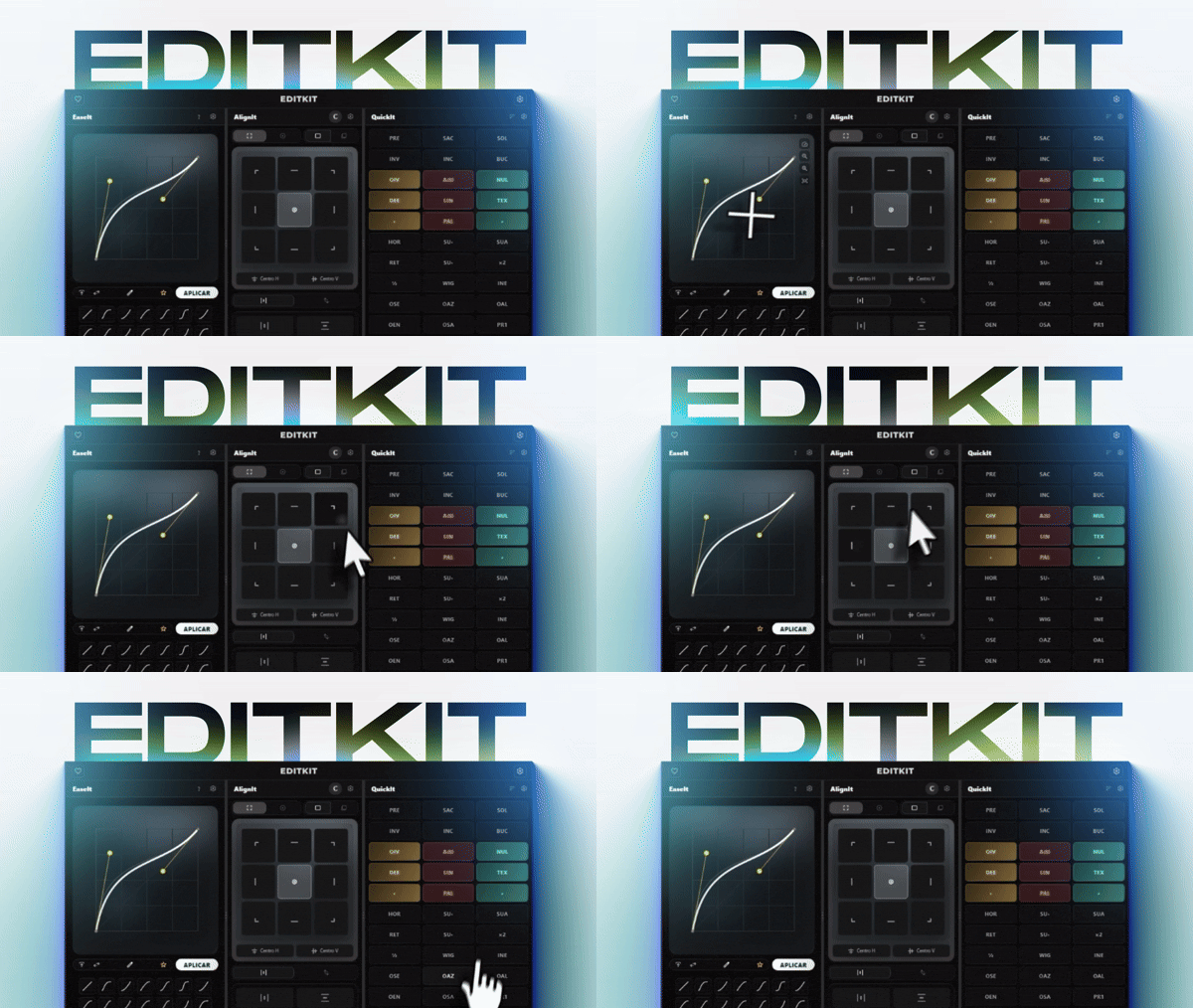
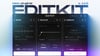
EaseIt, QuickIt, AlignIt, BeatIt, BounceIt, and CaptionIt - together in one free panel for After Effects and Premiere Pro.
EDITKIT brings animation, productivity, and alignment tools together in a fast, customizable interface. It is completely free, with no locked features, license keys, subscriptions, or expiration dates.
ㅤAVAILABLE IN ENGLISH, SPANISH AND 4 OTHER LANGUAGUESㅤ
The complete plugin interface works in both English, Spanish and Portuguese. You can change the language at any time from EDITKIT's settings.
WHAT'S INCLUDED
- BeatIt: Mark the beats and percussion in your audio tracks in an instant!
- BounceIt: Give all your animations that coveted "bounce" effect found in premium videos!
- CaptionIt: Tired of creating subtitles manually? With just one click, they'll be created and imported—in any language!
- EaseIt: Create and save easing curves, use formulas and presets, and work with True Handles in Premiere Pro.
- QuickIt: Build a personalized grid of one-click actions for timing, expressions, text, and delivery.
- AlignIt: Align, anchor, and distribute layers relative to the composition or selection in After Effects.
- Customizable themes, profiles, layouts, and colors.
- Built-in, verified updates.
REQUIREMENTS
- After Effects 2021 or Premiere Pro 2021 or newer.
- Windows. macOS has not been officially tested yet.
RECOMMENDED WINDOWS INSTALLATION
- Close After Effects and Premiere Pro.
- Download and fully extract the downloaded ZIP file.
- Open the extracted folder and double-click Install EditKit.bat.
- Open After Effects or Premiere Pro and select Window › Extensions (Legacy) › EDITKIT.
The installer uses your personal Adobe extensions folder. It does not require administrator access or the Adobe Creative Cloud desktop app. A signed ZXP is also included as an optional method for users who already have a compatible third-party ZXP installer.
SAFE UPDATES AND PRIVACY
EDITKIT checks for a new version at most once a day. It never downloads or installs anything until you press the update button. Every update package is checked against its expected version, size, and SHA-256 digest before installation.
Updates do not remove your settings, profiles, or presets. They are stored separately from the plugin files and remain on your computer when EDITKIT is installed or updated.
EDITKIT does not transmit your presets or preferences and does not use license keys. Automatic update checks can be disabled at any time.
Release notes and alternative download: https://github.com/zickfx/editkit-updates/releases/latest
Donations: https://zickfx.com/b/donations
Support: https://zickfx.com/help
EDITKIT is a product developed by ZickFX